All users that were added to the Freejna database according to the date of their addition are displayed in a table containing information about the users (user name, email , full name, roles , last login , updated date)
- admin user can switch between languages (English and Arabic ) , with ? sign user can explore the admin users Docs .

- Admin can add new admin through create admin button which redirect user to create admin page that has been explained above
- This action helps you to export admin users list as CSV file
- Admin can search on user Admin list by typing name or username
- Through clicking this icon admin user find the created date with last updated date of any admin user has been hover on it

- Through this icon admin user can delete admin user when admin click delete confirm message to delete appear
 when Admin click on create admin button this button redirect admin to create admin page (this helps you to enter new admin user data )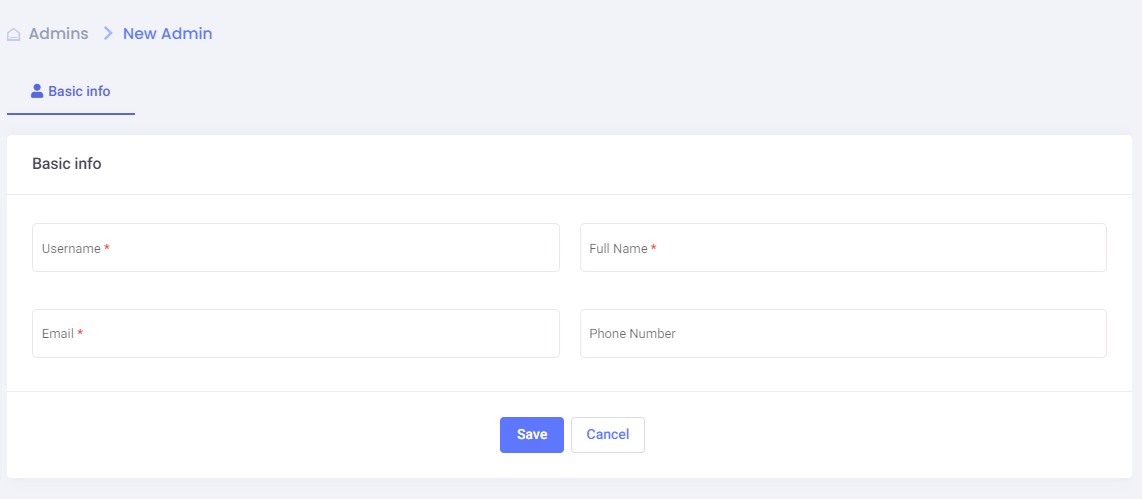
after fill all information it will view to you admin user edit which will explained above
View Admin User Edit
by clicking in the user row you can edit the admin user information
- Basic information
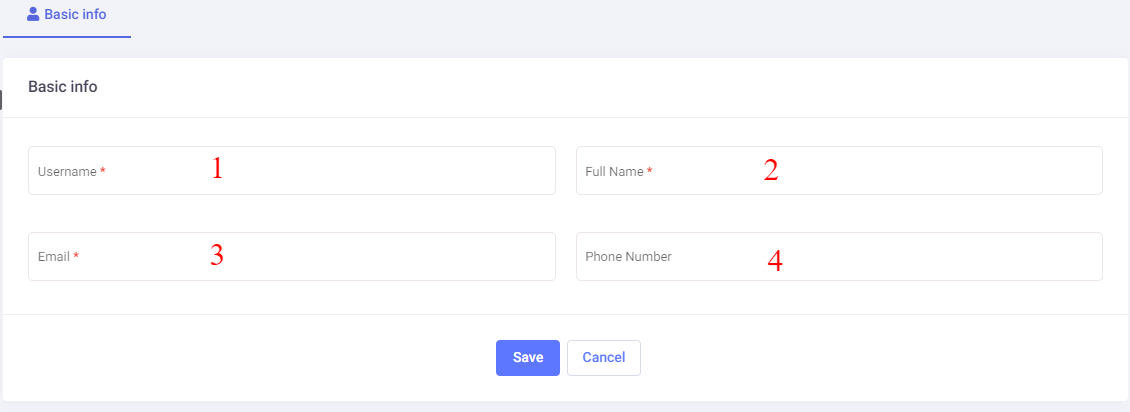 editing admin’s user name
- editing admin’s full name
- editing admin’s email
- editing admin’s phone number
- User roles
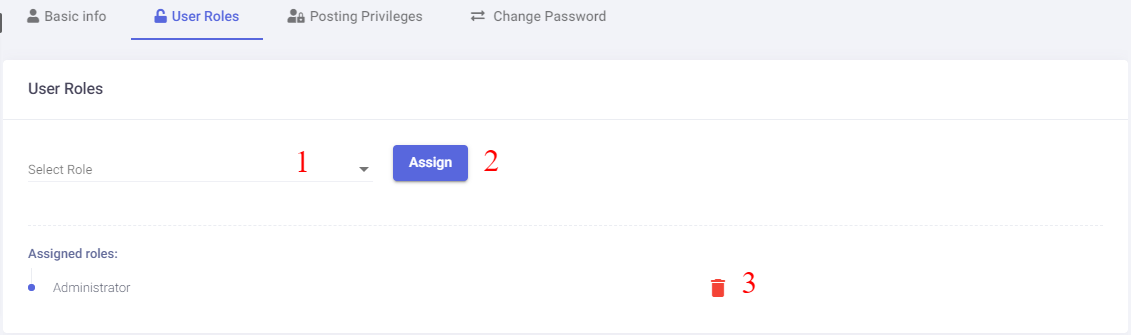 in this section you can edit admin user roles
- here were you can choose different roles for the admin users
- after select role by clicking assign button the role will added above in assigned roles
- if you want to remove this role simply click the remove role button
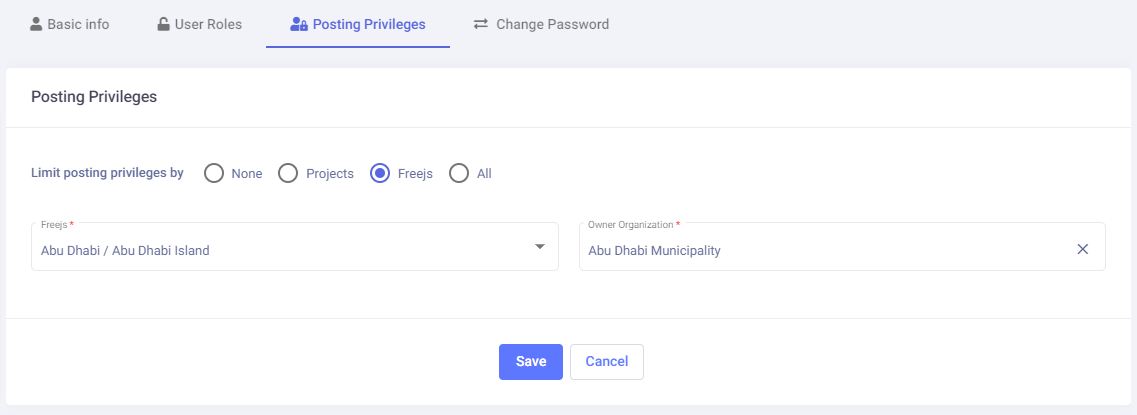
- Posting Privileges( in this section you can choose posting privilege’s for the admin user withier ( none , projects, freejs , all))
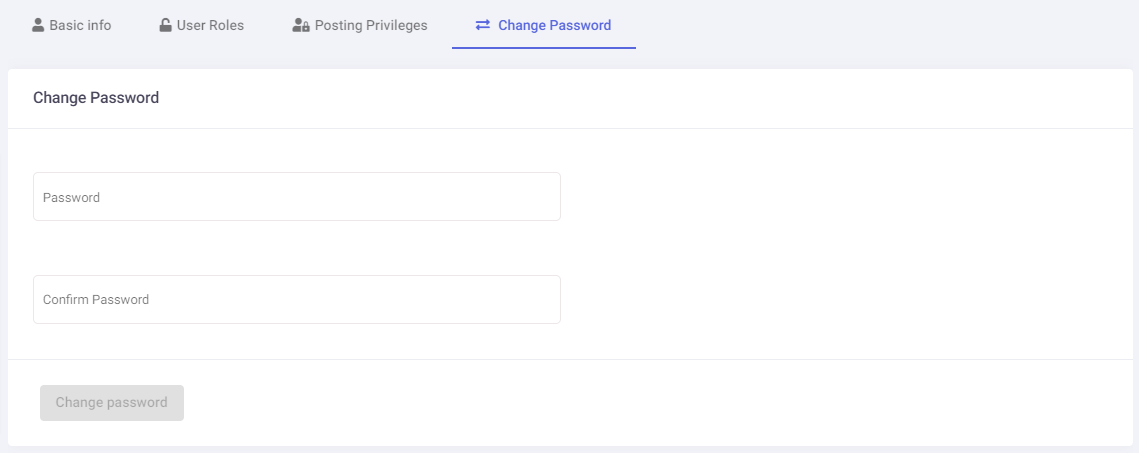
- Change Password ( in this section you can change admin password and confirm change after set the password correctly )