The admin edits a draft Before/After card ; then he would be redirected to the card details view
The admin clicks the edit icon which appear like pin and edits the field and saves changes the same way in adding a Before/After card
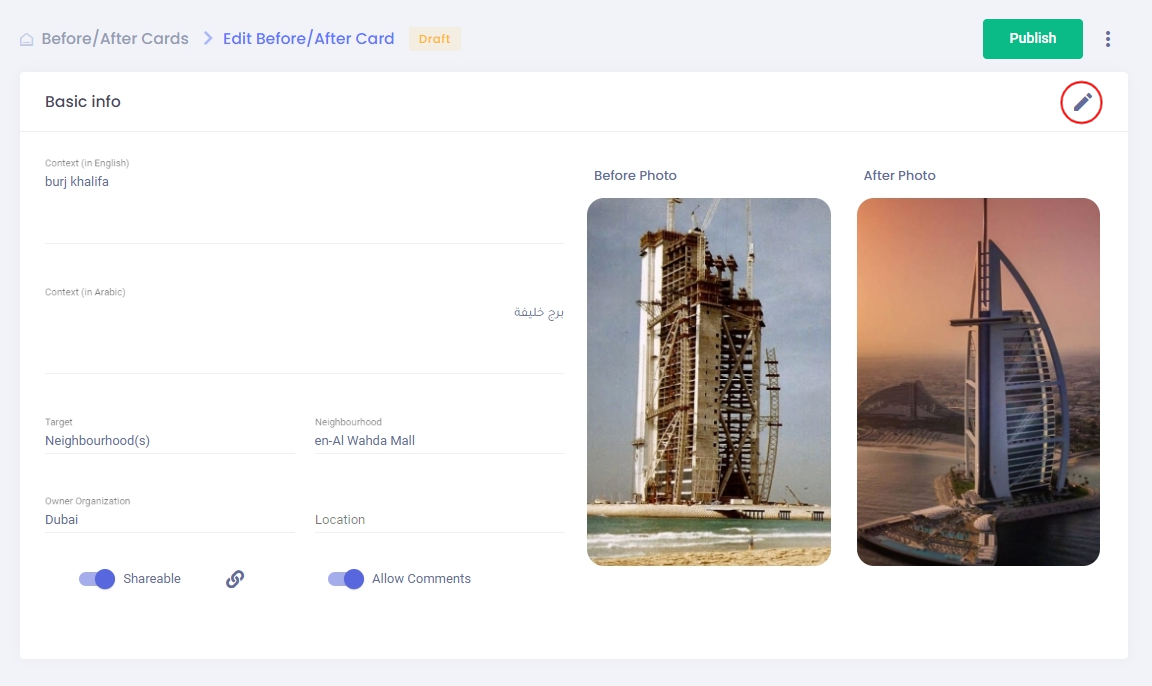
The admin edits a draft Before/After card ; then he would be redirected to the card details view
The admin clicks the edit icon which appear like pin and edits the field and saves changes the same way in adding a Before/After card