All community needs that were added to the Freejna database are displayed in a table containing information about the community needs (owner, description, email, expecting call, status and created date).
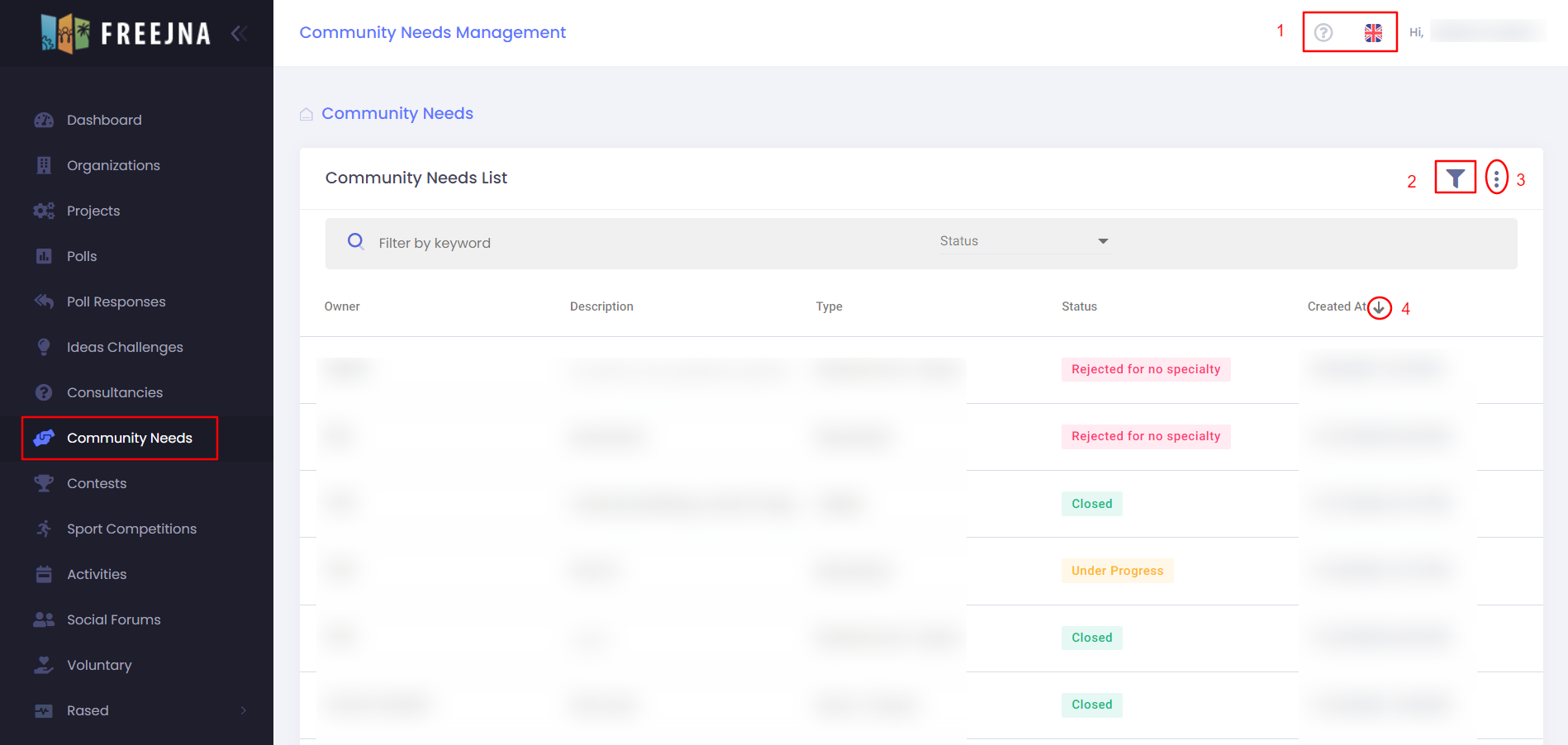
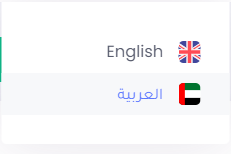
- Admin user can switch between languages (English and Arabic ) , with ? sign user can explore the community needs Docs .
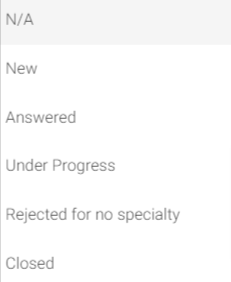
- Admin can search for an community need by description or by choosing specific entry status (N/A, new, answered, under progress, rejected for no specialty, closed)
- Admin user can export all community needs and them information to CSV file.
- Admin user can sort community needs according to created date.
Through click on community need user can view community need detail page which contain : 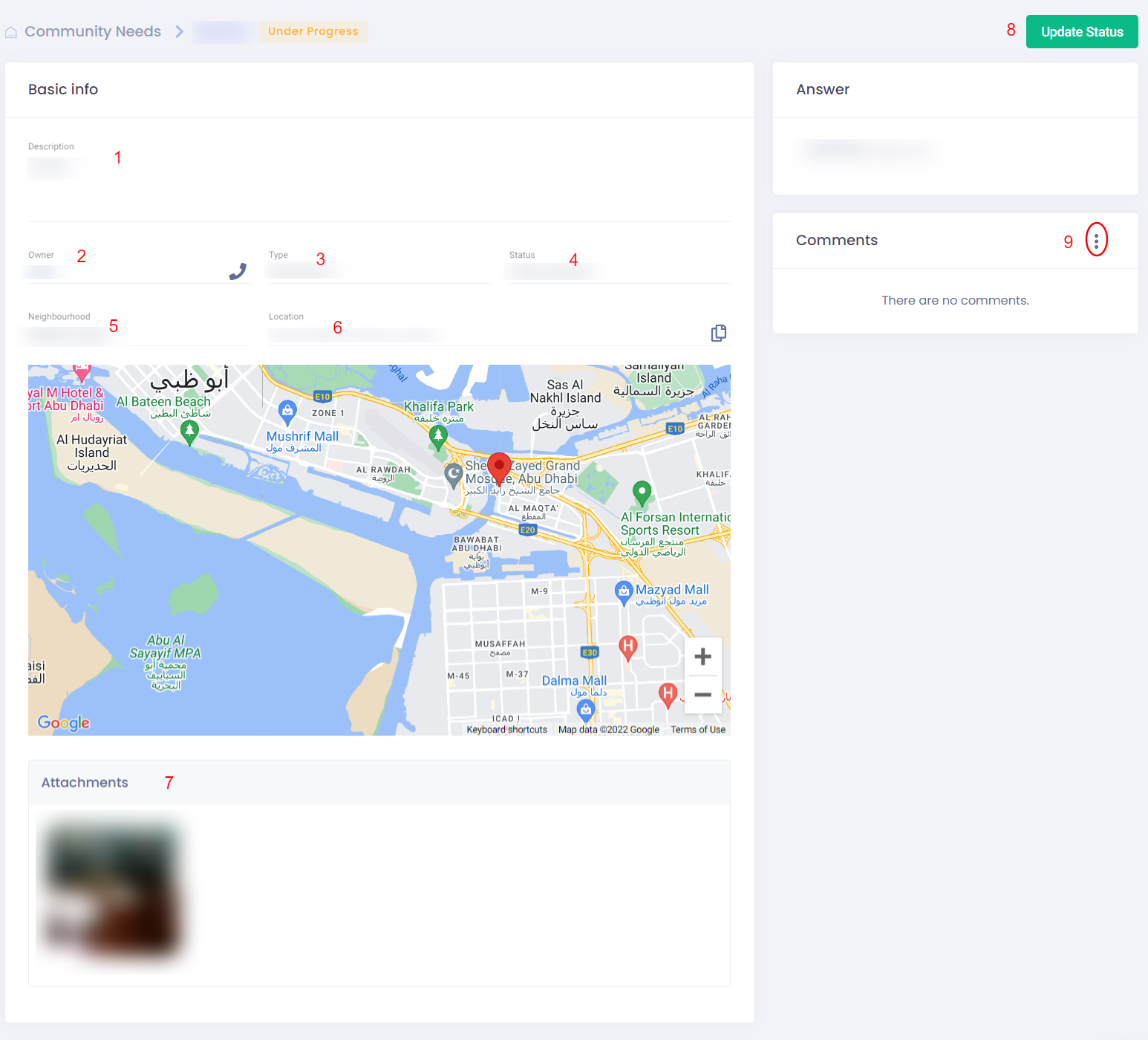
- Description
- Owner
- Type
- Status
- Neighborhood
- Location
- Attachments
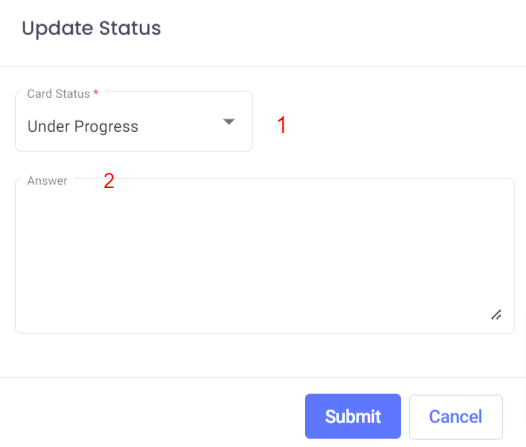
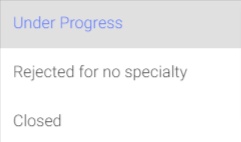
- Update status : using update status button admin user can select card status (under progress, rejected for no specialty, closed) and add feedback to community needs.
- Comment : in this section user can view all comments in the community need and user can export all comments as CSV