All heritages cards that were added to the Freejna database are displayed in a table containing information about the heritages cards (title, neighborhood(s), card owner, card image, shareable, username and card updated date).
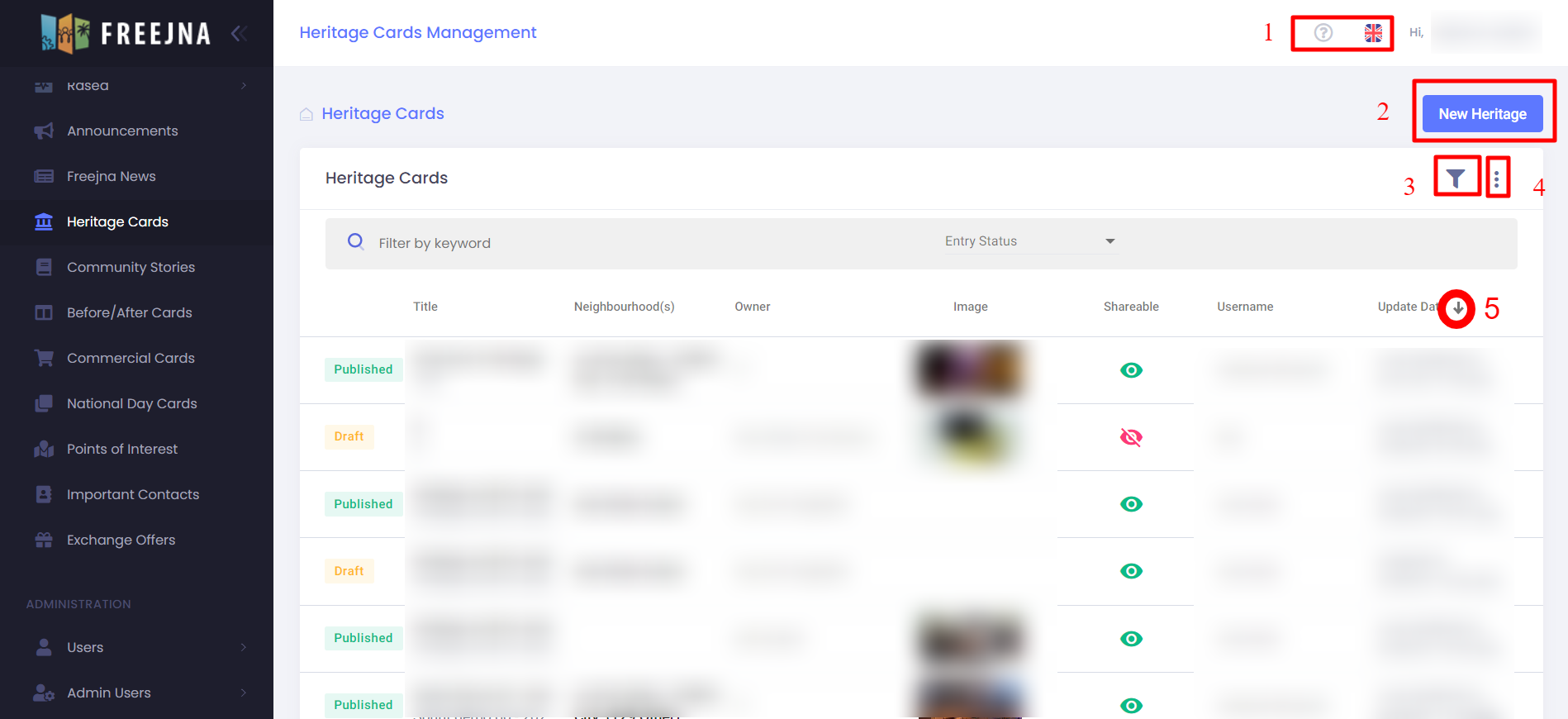
- Admin user can switch between languages (English and Arabic ) , with ? sign user can explore the heritages cards Docs .
- Admin user can add new heritage card.
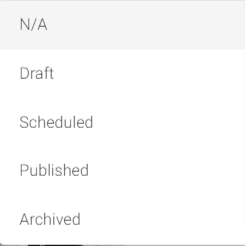
- Admin can search for heritage card by title or by choosing specific entry status (draft, published, scheduled or archived).
- Admin user can export heritage cards and its information to CSV file.
- Admin user can sort heritage cards according to last updated.
- Admin user can show if the heritage card sharable or not. If the icon was green that’s mean the heritage card is sharable and if the icon was red that’s mean the heritage card not shareable.
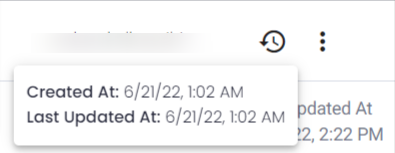
Through moving the mouse over the heritage card:
- Admin user can show the created and last updated date.
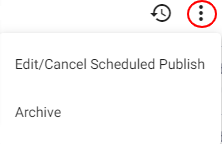
- Admin user can change heritage card status :
- If the heritage card has been scheduled admin user can edit or cancel schedule publishing or archive it.
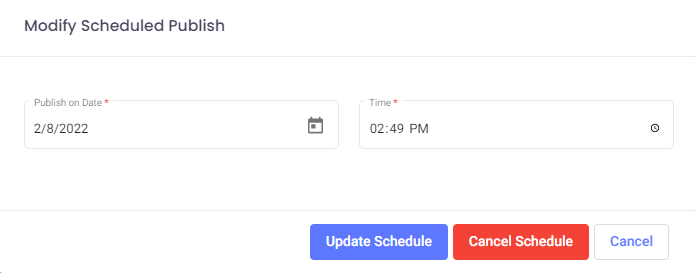
- If the heritage card has been published admin user can draft heritage card or archive it.
- If the heritage card was draft admin user can publish the heritage card or archive it .
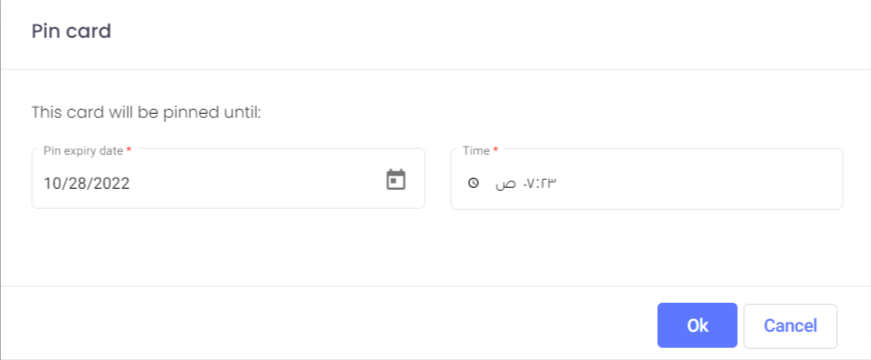
- Card can be pinned in app timeline by using this feature, Admin can fully control the date and time for pinning the card
- If the heritage card has been scheduled admin user can edit or cancel schedule publishing or archive it.
Note: If the heritage card has been archived the admin user can not published it or make it as draft also, the heritage card doesn’t appear in the timeline for mobile users.