All the Important Contacts that were added to the Freejna database are displayed according to the date they were added, and the table displays information about the Important Contact’s name, information and the updated date.
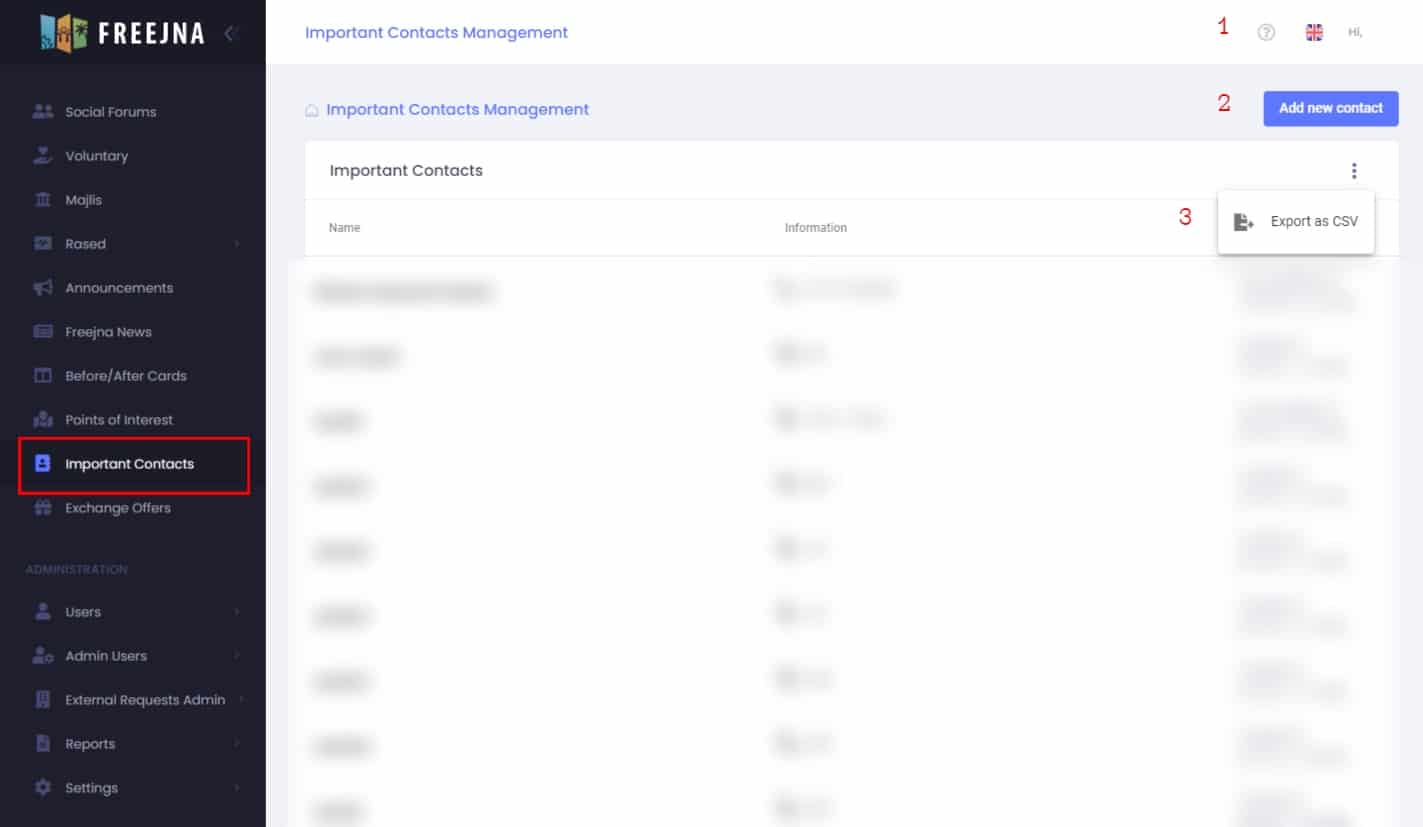
- Admin user can switch between languages (English and Arabic ) , with ? sign user can explore the Important contacts Docs .

- Admin user can add new add Important contact
- Admin user can export Important contacts and its information to CSV file.
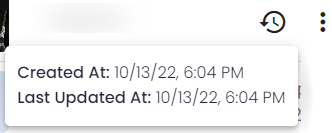
Through moving the mouse over the important contact:
- Admin user can show the created and last updated date.
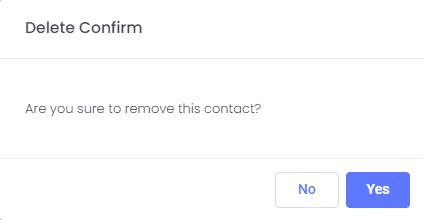
- Admin user can delete the important contact By confirming delete important contact the contact be delete from freejna database