All points of interest that were added to the Freejna database are displayed in a table containing information about the points of Interest (point icon and name , neighborhood(s), points of interest owner, points of interest updated date)
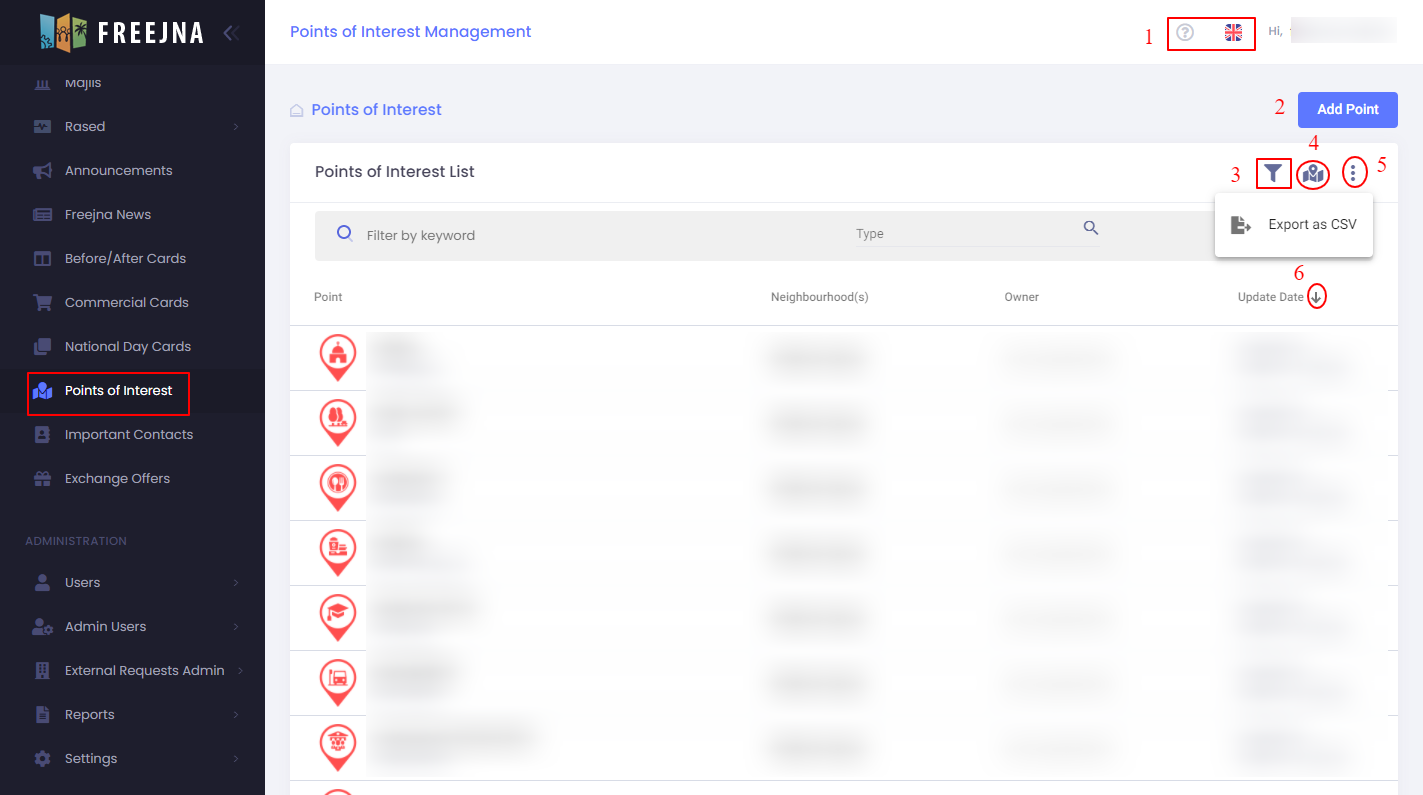
- Admin user can switch between languages (English and Arabic ) , with ? sign user can explore the points of interests Docs .

- Admin user can add new point.
- Admin can search for a points of interest by name or filter result by select the type of the point.
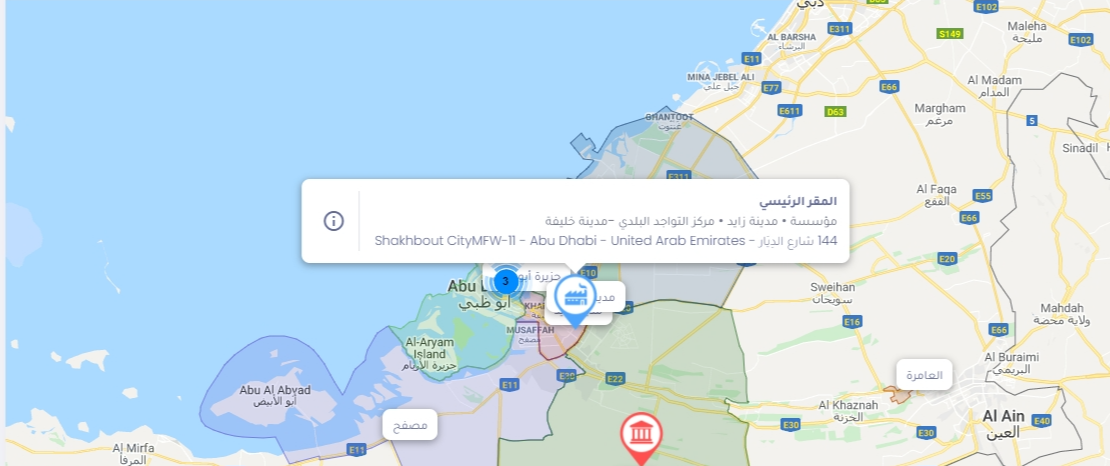
- This icon change the points of interest list view to points of interest map view and when admin click on points of interest icon it display short information about it
- Admin user can export points of interests and its information to CSV file.
- Admin user can sort points of interests according to last updated.
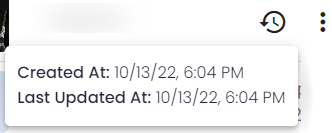
Through moving the mouse over the points of interest:
- Admin user can show the created and last updated date.
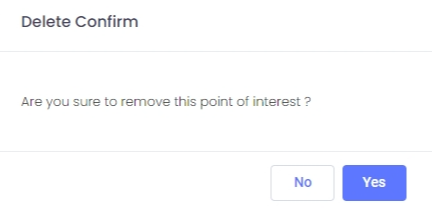
- Admin user can delete the points of interest
after deleting a message appear to confirm the deletion operation.