The Admin can edit a project by pressing on the project record in the projects table, then he will be redirected to the project form so he can edit any data he wants by pressing the edit button in Basic Info Section or Pictures section
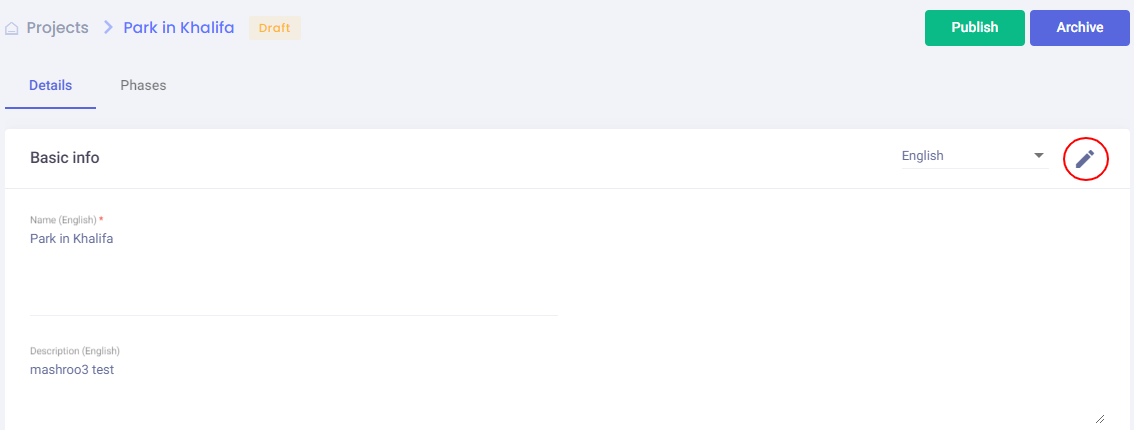
Admin should press on save to reflect the updates on the project.
The admin can archive the project.
Note: Archived projects is hidden from projects list and from mobile Application.