In this section admin can view and defined acceptable freejna mobile version and it all settings the versions contain (version number, description, build number, operating system, update status, app status) 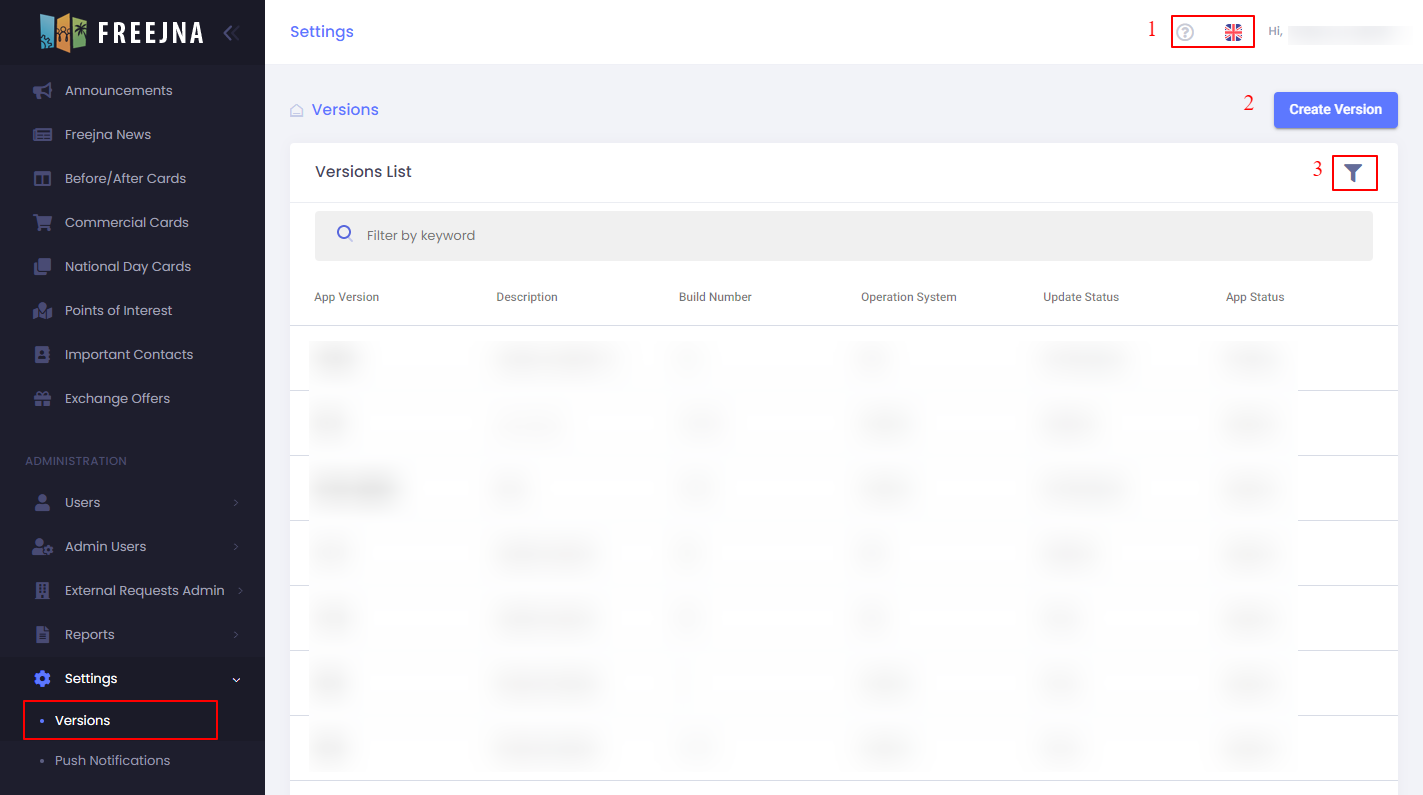
- Admin user can switch between languages (English and Arabic ) , with ? sign user can explore the versions Docs .

- Admin user can add new version.
- Admin can search for a version by title.
when user create new version this information must be fill
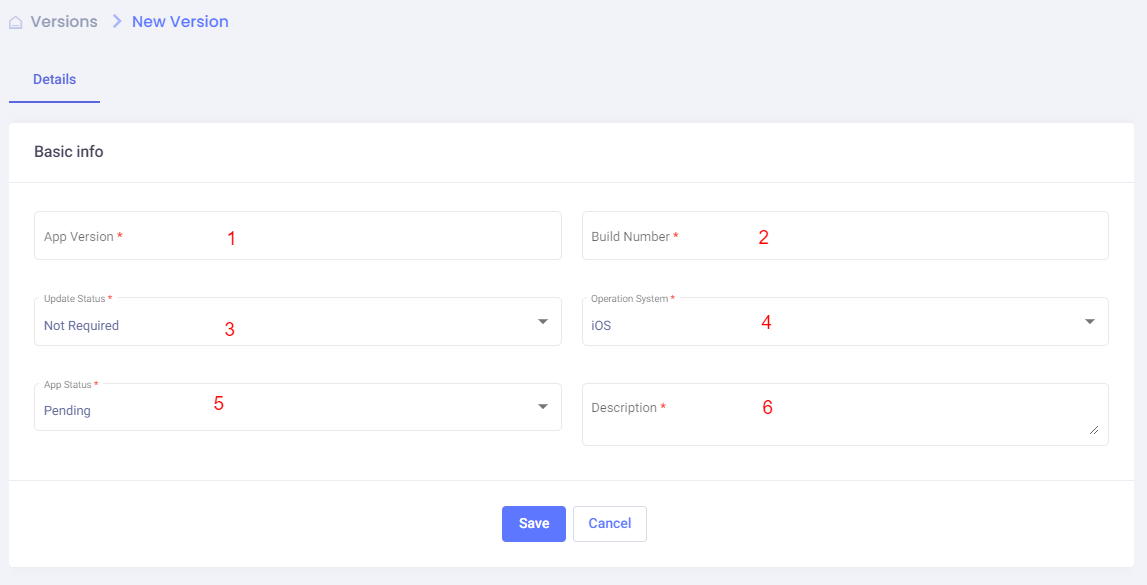
- App version (required) : admin must write app version
- Build number (required) : admin must write build number
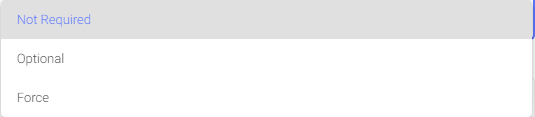
- Updated status (required) : admin must selected updates status(not required, optional, forced)
- Operating system (required) : admin must selected on operating system either iOS or android

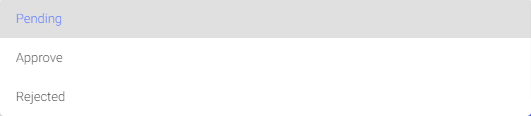
- App status (required) : admin must select app status (pending, approved, rejected)
- description (required) : admin must write description of this version