All users that were added to the Freejna database according to the date of their addition are displayed in a table containing information about the users (user name, phone number, neighborhoods , status and actions)
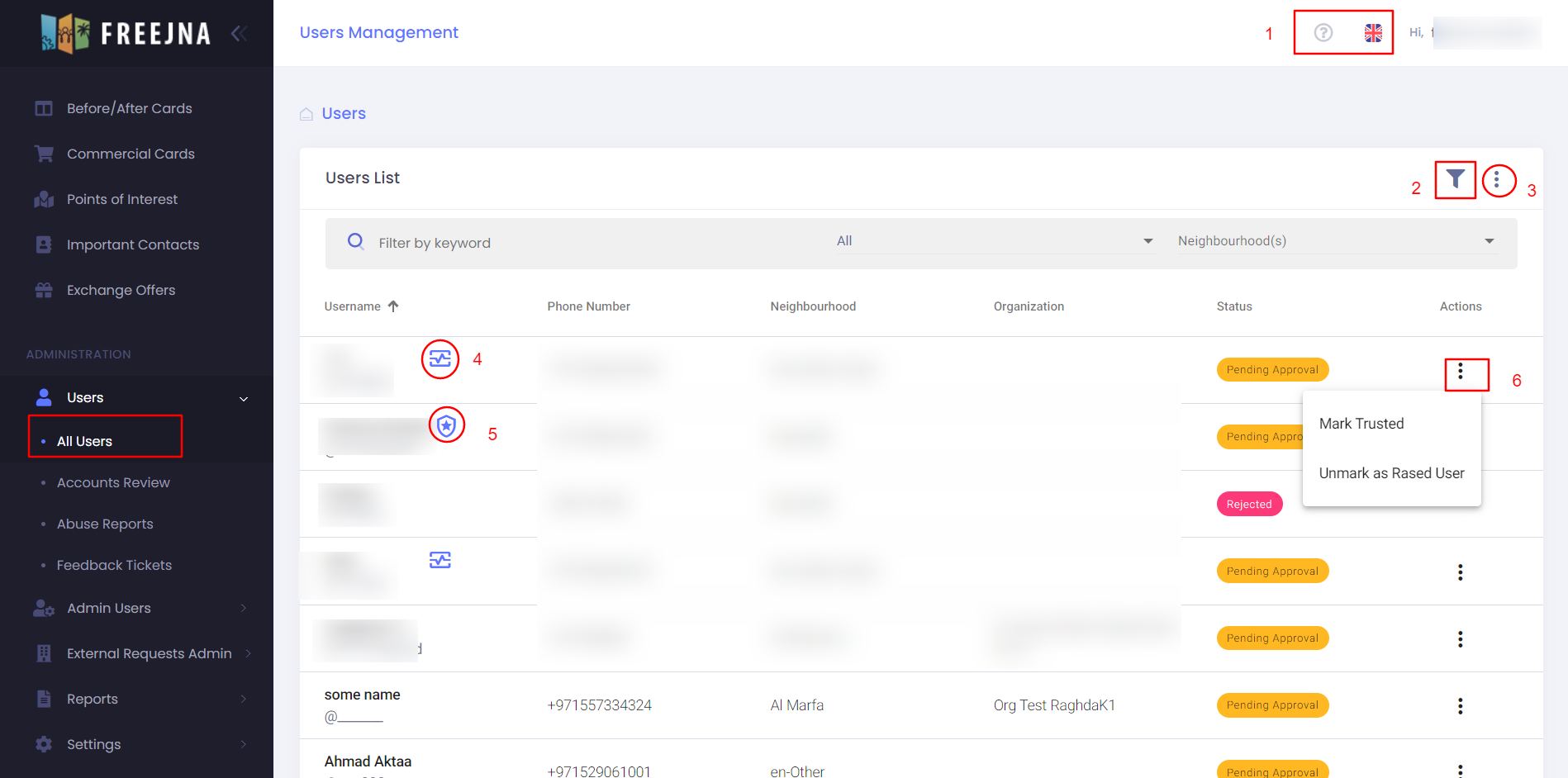
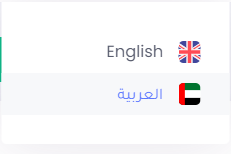
- admin user can switch between languages (English and Arabic ) , with ? sign user can explore the social forums Docs .
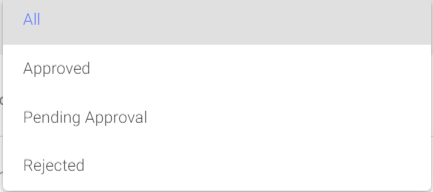
- The user can search for a user by user name in Arabic or English and admin user can filter result according to neighborhood or the user status (all, approved, pending approval, rejected)
- This action helps you to export users list as CSV file
- This sign means this user is rased user
- This sign means the user account has been trusted
- by clicking this action admin user can mark/unmark user as trussed user and mark/unmark user as rased user